

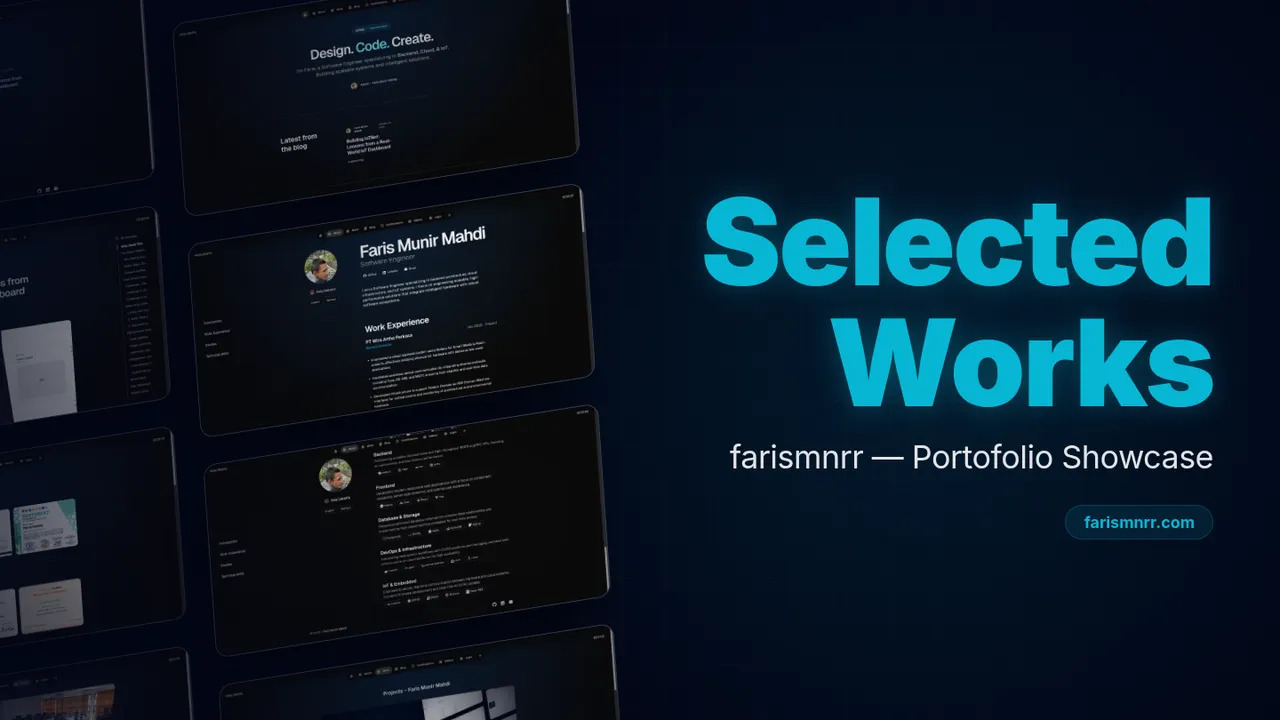
Why I rebuilt the site around content
The first version of a portfolio is easy to hardcode. A few project cards, an experience section, and a gallery can live directly in UI components without causing much trouble.
That stops working once the content keeps changing. New projects arrive, job history grows, certifications need updates, and some projects deserve a full technical story instead of one short card.
At that point, the site is already acting like a publishing system. I rebuilt this portfolio around that reality.
Content decides what exists
Content and presentation are separate.
The UI should know how to render a project, article, experience entry, or certification. It should not need a hardcoded list of which ones exist.
The repository content decides what exists. The application turns that content into pages and summary views.
Editing should feel like publishing
Adding a project should mostly involve writing the project.
create Markdown
→ add metadata
→ write the story
→ attach media
→ build
→ publish
The same pattern is used for projects, blog posts, experience, education, certifications, gallery items, and profile copy.
A new entry should not require a new project-specific component or another hardcoded array in the UI.
Why Markdown fits this site
Markdown works well here because it supports both structured metadata and long-form writing while staying readable in Git.
One file can provide card metadata for a listing page and the body for a full detail page. It also gives project pages enough room for diagrams, links, code, and implementation notes without forcing those details into the component layer.
One collection drives every project view
The build follows a predictable sequence:
- Discover content files.
- Parse metadata and body content.
- Normalize the records.
- Sort or group them where needed.
- Build summary views from metadata.
- Build detail views from the Markdown body.
files
→ parse
→ normalize
→ sort
→ render
The important part is that there is one source of truth. The project list, homepage selection, and project detail route all derive from the same content collection.
Build-time HTML with a small Rust runtime
flowchart TD
    M[Markdown collections] --> B[Build process]
    S[Svelte UI] --> B
    B --> P[Prerendered route HTML]
    B --> A[Static assets]
    P --> R[Rust + Axum runtime]
    A --> R
    R --> U[Visitor]
Public routes are prerendered during the build so crawlers and browsers receive useful HTML immediately. Svelte then hydrates that markup for client-side interaction.
A small Rust and Axum server embeds the generated route documents and assets for production delivery.
Navigation and interaction still behave like the web
Prerendering is only useful if client-side behavior does not make the site harder to use afterwards.
The runtime keeps public navigation client-side while preserving normal browser link behavior. Route modules load lazily.
Hash navigation waits for the requested page to render before scrolling to its target. Same-page hash navigation follows a separate path so repeating an in-page navigation still reaches the intended section.
The layout also has separate desktop and mobile navigation surfaces. Mobile spacing accounts for the bottom navigation and safe-area inset instead of letting page content disappear underneath the controls.
Theme state is initialized when the application starts so the saved or system preference can be applied consistently across the site.
Accessibility starts with predictable structure
The application shell exposes a skip link that jumps directly to the main content area. That target can receive focus, which keeps the shortcut useful for keyboard navigation instead of moving only the viewport.
I treat that as a baseline rather than a claim that accessibility is finished. The goal is to keep navigation, focus, page structure, and responsive behavior predictable while the content system continues to grow.
Project pages are engineering notes, not stack cards
A screenshot and stack list usually do not explain why a project exists or how its design changed.
The detail pages have room for the problem, product model, system boundaries, tradeoffs, and lessons from implementation. Mermaid is useful when a relationship or flow is clearer as a diagram than as another paragraph.
That makes a project page closer to an engineering note than a marketing card.
Derived views stay in sync
Homepage and listing content are derived from the same collections.
content changes
→ derived views update
There is no separate workflow where I update the project content and then remember to patch another hardcoded homepage list.
That removes a class of small maintenance bugs that becomes surprisingly common as a portfolio grows.
Tradeoffs that shape the implementation
Markdown vs CMS editing. Markdown is comfortable for a technical author and works well with Git history, but it is less approachable for non-technical editors.
Repository ownership vs instant publishing. Content changes are reviewable and versioned, but they still go through a build and deployment.
Flexible long-form content vs consistency. Markdown gives each project room to tell a different story, so editorial guardrails are needed to keep the overall site coherent.
Prerendering vs client interaction. Public HTML needs to remain useful before JavaScript runs, while hydrated navigation still has to preserve browser expectations such as modifier clicks and in-page anchors.
Current implementation
The current site uses Svelte 5 and Vite for the frontend, Markdown for content, Mermaid for diagrams, build-time prerendering for public routes, and Rust with Axum for production delivery. GitHub Actions runs validation, build, and deployment pipelines.